

Server work, in the context of BTCPay Server, means the actual job the software performs: watching the Bitcoin blockchain, generating a fresh address for every invoice, and confirming payments without a company sitting between you and your money. The distinction that matters is who does that work — you, on your own machine, or someone running the node on your behalf — because that choice decides whether you're truly self-custodial or just using software that looks like it.
TL;DR:
- BTCPay Server generates a unique Bitcoin address for every invoice and watches the blockchain until it's paid — no third party ever touches the funds.
- It needs a full Bitcoin node running underneath it; that node is the actual "server work," and it syncs well over 600 gigabytes of history.
- Payments can settle on-chain or over Lightning from the same dashboard, with Lightning clearing in seconds instead of waiting on block confirmations.
- You can run the node yourself, pay someone to run it for you, or use a custodial processor — each choice trades control for convenience differently.
- Myntli runs the node side for $29/month on a hosted store, or installs a full node on your own server for a one-time $449.
Table of Contents
- What "Server Work" Actually Means Here
- The Invoice Lifecycle: From Click to Confirmed
- The Full Node Underneath: Why BTCPay Can't Skip This Part
- On-Chain and Lightning: Two Settlement Rails, One Dashboard
- Self-Hosted, Managed, or Custodial: Who Actually Does the Server Work
- Where This Plugs Into Your Shop
- Security and Settlement: When Is a Payment Actually Done
- Get BTCPay Server Running Without Learning Server Administration
- Frequently Asked Questions
- Sources
What "Server Work" Actually Means Here
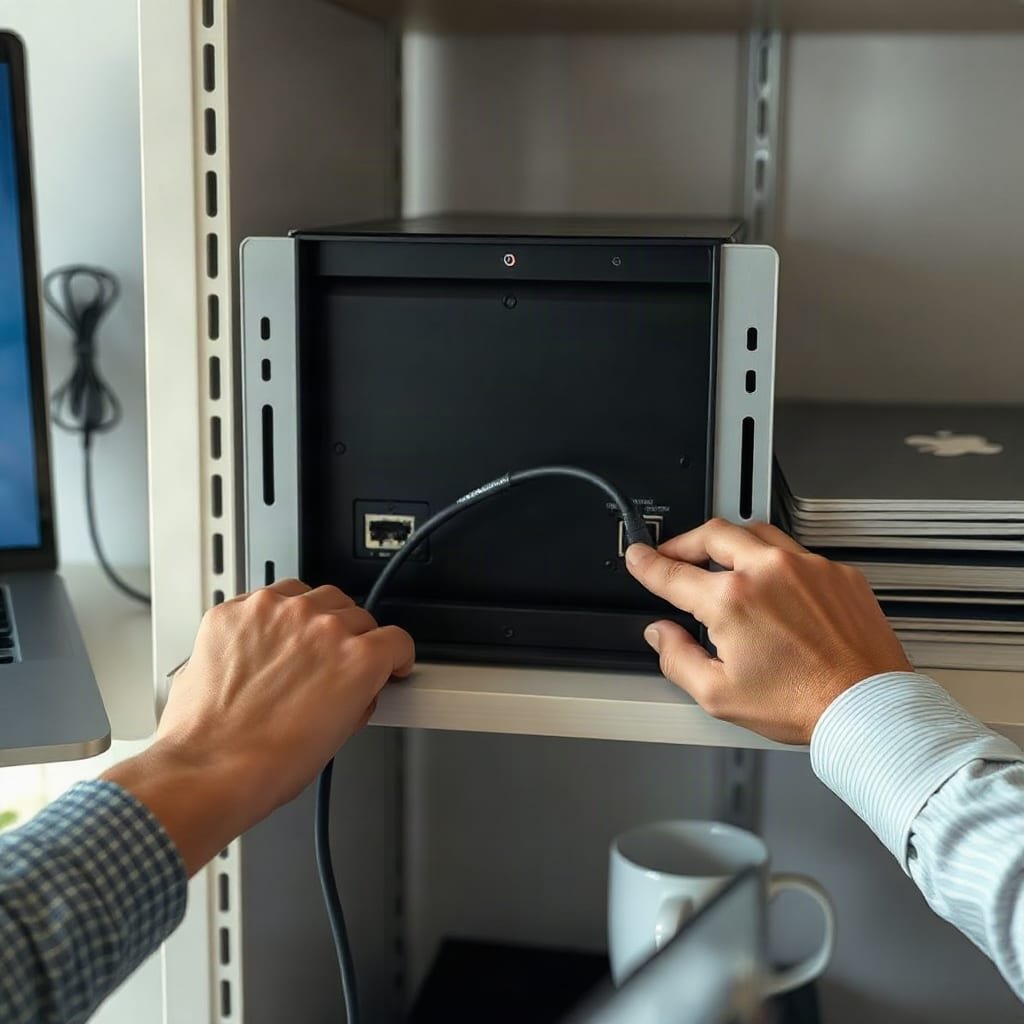
BTCPay Server isn't a payment button someone else operates for you. It's software that has to run somewhere, continuously, doing three jobs at once: deriving new Bitcoin addresses from your wallet's public key, watching the mempool and blockchain for incoming payments, and telling your store when an order is paid. That ongoing process — the syncing, the watching, the uptime — is the server work. Nobody can shortcut it; the only question is who's doing it.
Most comparisons of bitcoin payment tools focus on fees or checkout design, and those matter, but they skip the part that actually determines whether you control your money: someone has to keep a node running. The BTCPay Server documentation describes the software as "self-hosted, open-source, and without fees or intermediaries," which is accurate, but "self-hosted" is doing a lot of work in that sentence. Hosted doesn't mean automatic.
The Invoice Lifecycle: From Click to Confirmed
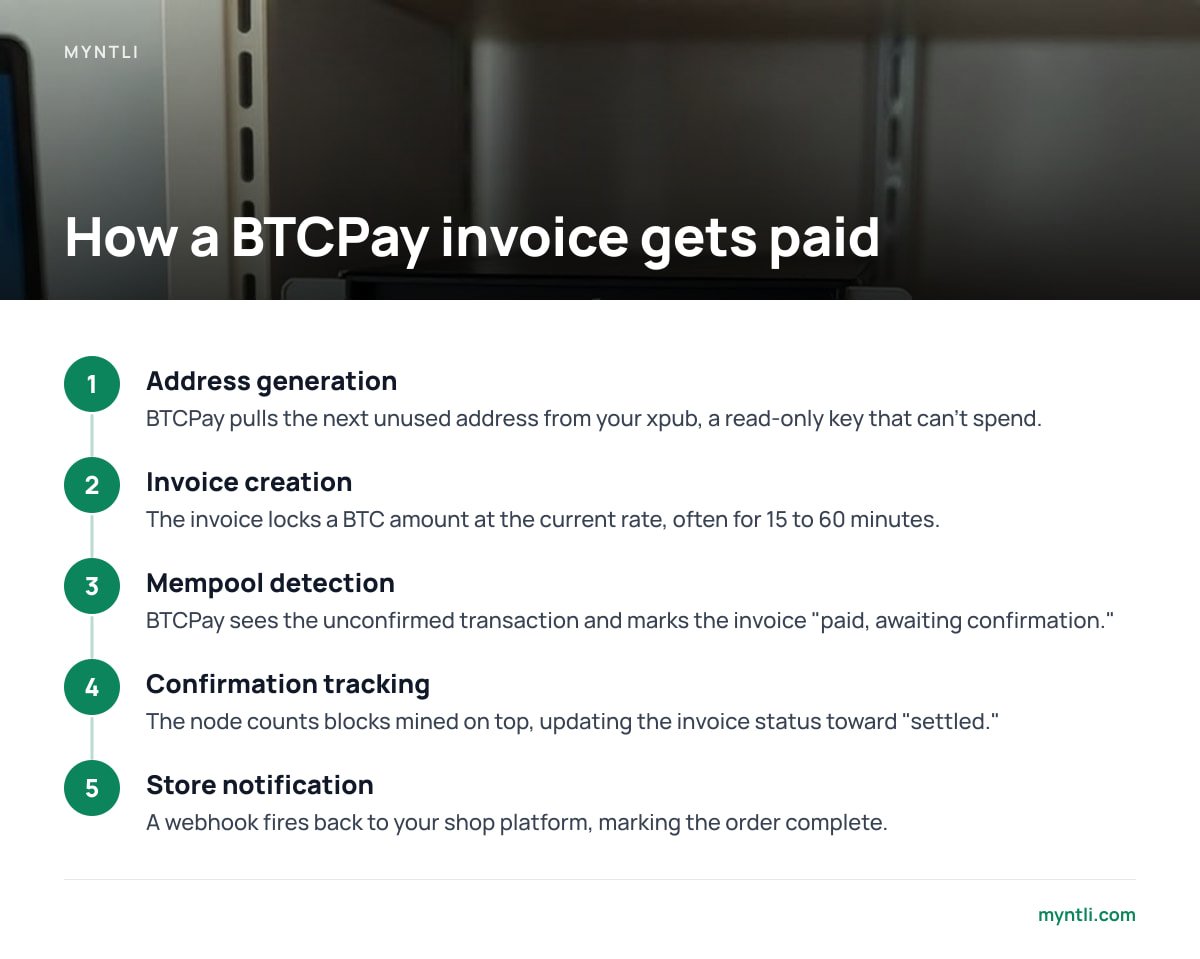
When a customer checks out, BTCPay doesn't hand them a static wallet address. It derives a brand-new one from your store's extended public key (xpub), specific to that single invoice, so no two customers ever pay to the same address.
- Address generation. BTCPay pulls the next unused address from your xpub, a read-only key that can produce addresses but never spend from them.
- Invoice creation. The invoice locks in a BTC amount at the current exchange rate, usually with a short window — often 15 to 60 minutes — before the price quote expires.
- Mempool detection. As soon as the customer broadcasts a transaction, BTCPay sees it sitting unconfirmed in the mempool and can mark the invoice as "paid, awaiting confirmation."
- Confirmation tracking. The node counts blocks as they're mined on top of that transaction, and BTCPay updates the invoice status as it moves toward "settled."
- Store notification. A webhook fires back to your shop platform — WooCommerce, Shopify via its app bridge, Ghost, or whatever you're running — marking the order complete.
Every one of those steps happens on infrastructure that someone has to maintain. If that infrastructure goes down between steps two and four, the invoice stalls, which is exactly why node uptime is treated as a production concern, not an afterthought.
The Full Node Underneath: Why BTCPay Can't Skip This Part
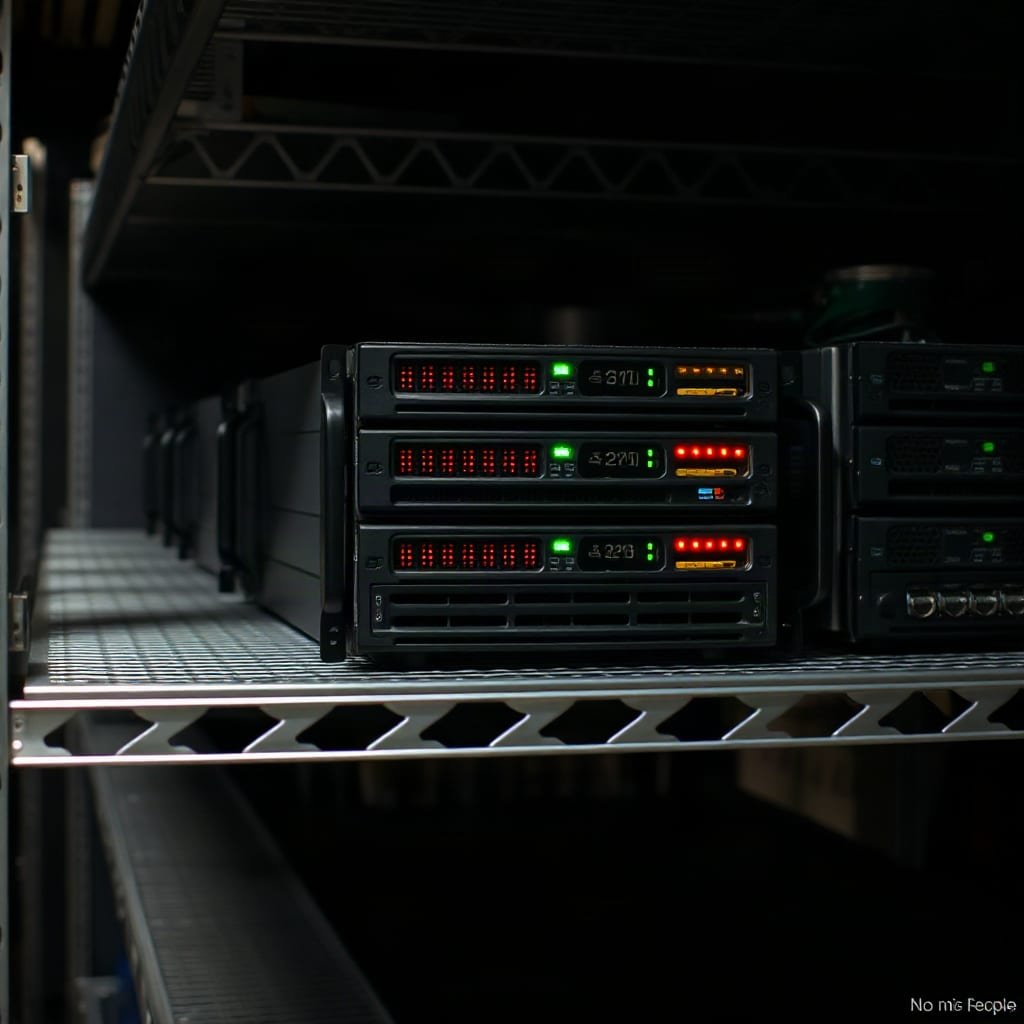
BTCPay Server is a thin, elegant layer. Underneath it sits a full Bitcoin node, and that node is the real heavy lifting. Bitcoin.org defines a full node as software that downloads and independently verifies every block and transaction against Bitcoin's consensus rules, rather than trusting someone else's summary of the ledger.
That verification isn't free. The node has to download and store the entire blockchain, check every signature, and stay in sync as new blocks arrive roughly every ten minutes.
A full Bitcoin node today holds well over 600 gigabytes of blockchain history, and syncing it from scratch on a typical home connection can take several days.
This is the detail that trips up a lot of merchants who try to self-host: installing BTCPay is the easy part, and keeping a node synced, backed up, and patched against new releases is the ongoing part. Our guide on BTCPay Server installation walks through what that setup actually involves on hosted versus owned hardware.
On-Chain and Lightning: Two Settlement Rails, One Dashboard
BTCPay doesn't make you pick one payment rail. The same invoice can offer an on-chain Bitcoin address and a Lightning invoice side by side, and the customer chooses.
On-chain payments wait on block confirmations — slower, but anchored directly to the base blockchain with no intermediary layer. Lightning payments route through a network of payment channels and typically settle in a couple of seconds, which the Lightning Network white paper describes as a system of "micropayment channels" designed specifically to solve Bitcoin's throughput limits for everyday, small transactions. Running Lightning well requires its own node, channel liquidity, and rebalancing — more server work layered on top of the Bitcoin node, not a replacement for it.
Self-Hosted, Managed, or Custodial: Who Actually Does the Server Work
This is the decision that shapes everything else, and it's worth laying out plainly.
| Setup path | Who runs the node | Cost | Ongoing maintenance |
|---|---|---|---|
| Hosted store on a managed node | A hosting provider | Flat monthly fee (e.g., $29/month) | Handled for you |
| Full node on your own server | You, with install support | One-time setup fee (e.g., $449) | Updates, sync, backups — your job |
| Custodial processor | The processor | Percentage per transaction (often 1%–3%) | None, but they hold the keys between you and your funds |
The middle and left columns are both self-custodial — funds land directly in your wallet either way. The right column trades that control for zero maintenance, which is a real trade-off, not a scam, but it's worth understanding what you're giving up. FinCEN's guidance on virtual currency business models draws exactly this line: software that never takes control of a customer's funds is treated differently, regulatorily, than a service that does. Our breakdown of custodial versus non-custodial processors covers that distinction in more depth.
Pro Tip: If you're testing whether self-hosting is worth it, don't judge based on install day — judge based on what happens during a mandatory Bitcoin Core version bump six months later. That's the moment unmaintained nodes quietly fall out of sync, and invoices start failing silently before anyone notices.
Where This Plugs Into Your Shop
BTCPay doesn't replace your storefront; it sits beside it as a payment gateway. Official and community plugins exist for WooCommerce, Shopify (through a connector app rather than a native plugin, which our Shopify integration guide explains in detail), Ghost, Magento, PrestaShop, Drupal Commerce, and invoicing tools like Invoice Ninja. For stores running something custom, BTCPay also exposes a REST API, so a developer can wire invoice creation and webhook handling into almost anything.
If you're deciding whether to route around a traditional processor entirely, our piece on how to accept bitcoin without a middleman walks through what changes at checkout once BTCPay is the thing generating the invoice instead of a third-party gateway.
Security and Settlement: When Is a Payment Actually Done
An invoice marked "paid" and an invoice marked "settled" aren't the same thing, and the gap between them is where most confusion about bitcoin payments comes from.
Six confirmations — roughly 60 minutes at Bitcoin's average block time — is BTCPay's default threshold for treating an on-chain payment as fully settled.
You can lower that threshold for low-value sales where the risk of a double-spend is negligible, or raise it for high-value invoices where you'd rather wait than risk a reversal. That setting lives in your store configuration, and it's one of the few places where BTCPay asks you to make an explicit risk decision instead of making it for you.
Get BTCPay Server Running Without Learning Server Administration
Everything above is accurate, and almost none of it is something a merchant should have to manage personally just to accept bitcoin. That's the gap Myntli fills: we run the node, handle the syncing, apply the updates, and wire BTCPay into your existing store for $29 a month on our infrastructure, or install a full node on your own server for a one-time $449 if you want the hardware under your own roof.
Either way, payments land straight in your wallet — we never touch the funds, there's no percentage taken, and there's no KYC on your own store. The honest caveat: the $29 hosted plan means someone else's node sits between your store and the blockchain, which is faster to get running but is a different trust model than owning the server outright. Check which trade-off actually fits your shop before you pick a plan.
Frequently Asked Questions
What does "server work" mean in BTCPay Server specifically?
It refers to the continuous job of running a Bitcoin full node — syncing the blockchain, generating fresh addresses per invoice, and watching for confirmations. Someone has to do this work whether you host it yourself or pay a provider to do it for you.
Do I need my own server to use BTCPay Server?
No. You can use a hosted BTCPay store where a provider runs the underlying node, or install BTCPay on your own hardware for full control. Both setups are self-custodial, meaning funds go straight to your wallet either way.
How long does it take to sync a Bitcoin full node?
Syncing a full node from scratch can take anywhere from a day to several days, depending on your connection speed and hardware, since it's verifying the entire blockchain history, which exceeds 600 gigabytes.
What's the difference between an on-chain payment and a Lightning payment in BTCPay?
On-chain payments are confirmed directly on the Bitcoin blockchain and typically take BTCPay's default of six confirmations to settle fully. Lightning payments route through payment channels and usually confirm in a few seconds, but require running additional Lightning infrastructure.
Is BTCPay Server custodial?
No. BTCPay Server never takes control of customer funds — payments go directly to addresses derived from the merchant's own wallet key. This is the key distinction regulators like FinCEN draw between custodial processors and non-custodial payment software.
Sources
- BTCPay Server Documentation | BTCPay Server
- What Is a Full Node | Bitcoin.org
- The Bitcoin Lightning Network: Scalable Off-Chain Instant Payments | lightning.network
- Application of FinCEN's Regulations to Certain Business Models | FinCEN